
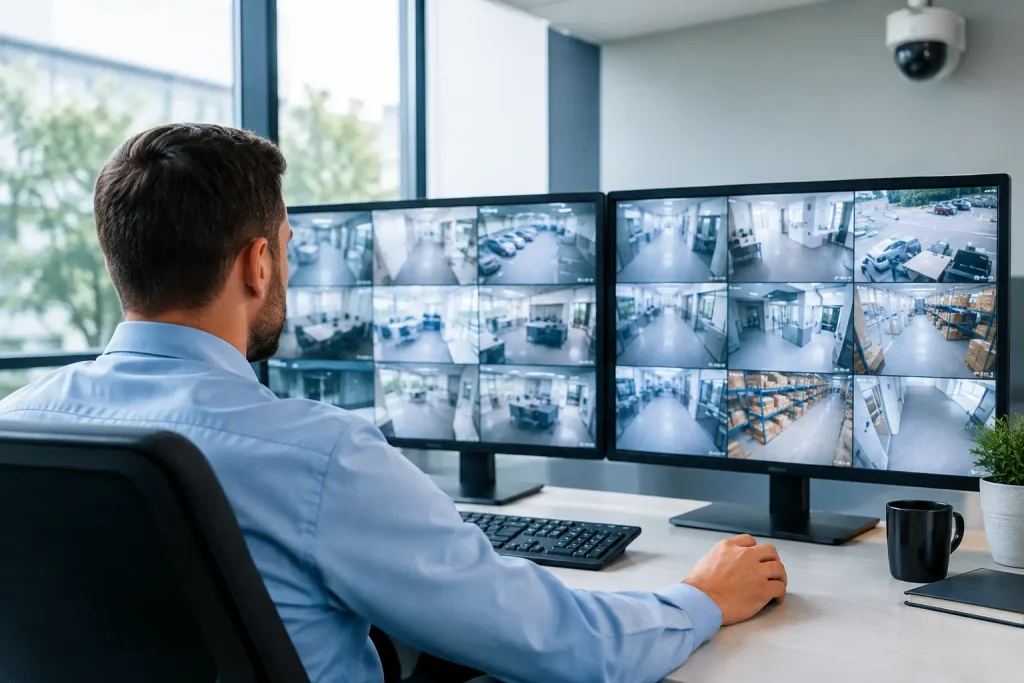
A missing carton, an after-hours alarm or a dispute at the counter can quickly become expensive when nobody can establish what happened. CCTV monitoring for business gives you usable evidence, earlier warning of suspicious activity and greater visibility across the areas that matter most. The result should not be a wall of cameras for its own sake. It should be a security system that supports your people, protects your assets and fits the way your site operates.
For a Mackay workshop, that may mean covering vehicle gates, tool storage and the perimeter after dark. For a medical practice, retail store or office, the priority may be entry points, reception, stock areas and safe access for staff opening or closing alone. The right system starts with those real-world risks, not a generic camera package.
Start CCTV monitoring for business with a site plan
The most common CCTV mistake is choosing camera locations based on what is easiest to install. A camera mounted high in a corner may provide a broad view, but it may not identify a face, read a number plate or show the details needed after an incident.
Walk through the premises and identify where security events are most likely to occur. Consider entry and exit points, car parks, loading areas, cash-handling locations, high-value stock, server rooms, workshops and external fences or gates. Also consider operational blind spots: a side door staff use after hours, a delivery bay screened from the road, or an isolated area where a worker may need help.
Each location needs a clear purpose. One camera may be intended to detect movement near a gate, while another needs enough detail to identify a person at a doorway. These are different jobs, and they may require different lenses, mounting positions and lighting.
Camera type depends on the environment
Dome cameras are often suitable indoors where a discreet, broad view is useful. Bullet cameras can be effective for external areas and longer viewing distances. Turret cameras offer a practical middle ground for many businesses, while pan-tilt-zoom cameras can cover large yards or facilities when active monitoring is in place.
Image quality matters, but more megapixels are not automatically better. Higher-resolution footage uses more network capacity and storage. The better question is whether the camera can capture the detail you need at the relevant distance and in the available light. A well-positioned camera with appropriate low-light performance is usually more valuable than an expensive camera aimed at the wrong area.
Recording is not the same as monitoring
Many businesses say they need monitoring when they really mean recording. Recording stores footage for later review. Monitoring means a person or service is actively watching for events and can respond according to an agreed procedure. Both have value, but they solve different problems.
A local recorder may be enough for a low-risk office that mainly needs footage if an incident occurs. A business with valuable stock, frequent after-hours access or a large external site may benefit from 24/7 back-to-base monitoring. In that model, verified alarms or camera events can be assessed promptly, with escalation to nominated contacts, patrol services or emergency services where appropriate.
Remote viewing through a mobile app is useful for owners and managers, particularly when travelling between sites. It should not be confused with an active response service. No business owner can watch live feeds all day, every day. If immediate action matters, define who is responsible, when they are contacted and what they are authorised to do.
Build a system that still works when conditions change
CCTV is part of your IT environment. Cameras rely on power, network equipment, storage and internet connectivity for remote access. If those foundations are unreliable, your security coverage may fail precisely when it is needed.
A properly designed installation considers power protection, secure network configuration and how footage is retained. Network video recorders can keep recording locally even if the internet connection drops, while selected footage or system health information may be accessed remotely once connectivity returns. For critical sites, uninterruptible power supplies can provide short-term protection during a power interruption.
Retention time should be planned rather than guessed. A business may need footage for several weeks to allow incidents to be reported and investigated. The required storage depends on the number of cameras, resolution, frame rate, operating hours and whether recording is continuous or motion-triggered. More cameras and clearer images increase storage demand, so there is a practical balance between quality, retention and budget.
Motion detection can reduce unnecessary footage, but it needs careful configuration. Rain, insects, headlights and moving trees can create constant alerts in outdoor areas. Analytics that distinguish people or vehicles from general movement can improve usefulness, although performance varies with camera placement, lighting and site conditions. Testing is essential before relying on alerts after hours.
Protect footage as seriously as the premises
A poorly secured camera system can create a new risk. Default passwords, exposed remote access and outdated firmware can allow unauthorised users to view footage or interfere with recordings. This is particularly relevant where cameras are connected to the same network as business computers, point-of-sale systems or cloud services.
Use unique passwords, role-based access and multi-factor authentication where available. Limit who can export footage, change settings or view sensitive areas. Keep recorders, cameras and network devices updated under a planned maintenance process. Separating security devices from general business systems on an appropriately configured network can also reduce the impact of a compromise.
It is equally important to protect the recorder itself. If an intruder can simply remove or damage it, the cameras may provide little evidence. Locate recording equipment in a secure area, consider locked cabinets and ensure critical cabling is not easily accessible. For higher-risk operations, offsite or cloud-supported recording can provide an additional layer of protection, subject to bandwidth and retention requirements.
Respect privacy and set clear expectations
CCTV must improve safety without becoming intrusive. Staff, customers and visitors should be able to understand that surveillance is operating and why. Clear signage at entrances and monitored areas is a practical starting point.
Avoid pointing cameras into neighbouring properties or public areas unless there is a justified reason and the view is limited as much as possible. Take extra care with change rooms, bathrooms and other private spaces, where cameras are not appropriate. Audio recording has additional privacy implications and should only be considered where there is a genuine operational need and appropriate advice has been obtained.
A simple internal policy helps avoid misunderstandings. It can explain who may access footage, how long it is kept, when recordings may be reviewed and how requests are handled. This gives managers a consistent process rather than leaving decisions to whoever happens to know the app password.
Connect CCTV with alarms and access control
Cameras are most effective when they support a broader security approach. An alarm may notify you that a door has been opened, while CCTV allows the event to be checked. Access control can show which credential was used at a particular door and time. Together, these systems provide better context than any one of them alone.
For example, an after-hours alarm at a warehouse can trigger an alert. A monitoring operator can then view the relevant camera, determine whether there is a person on site and follow the agreed response plan. This can reduce unnecessary call-outs caused by false alarms while ensuring genuine incidents receive attention sooner.
Integration must be designed around the business process. A small office may only need cameras at the front entry and a monitored alarm. A multi-site operation may require controlled access, perimeter cameras, centralised viewing and separate permissions for local managers. EHW Technology can design licenced electronic security solutions alongside the network, connectivity and ongoing support needed to keep them operating reliably.
Keep the system maintained and usable
Security systems are often installed once and forgotten until footage is needed. By then, a dirty lens, failed hard drive, incorrect date and time or changed camera angle can make the recording less useful than expected.
Schedule periodic checks. Confirm each camera has a clear image during daylight and at night, test remote access, review storage capacity and verify that footage can be exported when required. Check that new shelving, parked vehicles, signage or vegetation have not blocked important views. If your premises, operating hours or stock profile changes, revisit the original site plan.
The strongest CCTV system is one your team understands and can rely on. Give authorised staff clear instructions for viewing footage, saving an incident clip and reporting faults. Then let the system do its job quietly in the background: helping your business remain safer, better informed and ready to respond when something does not look right.